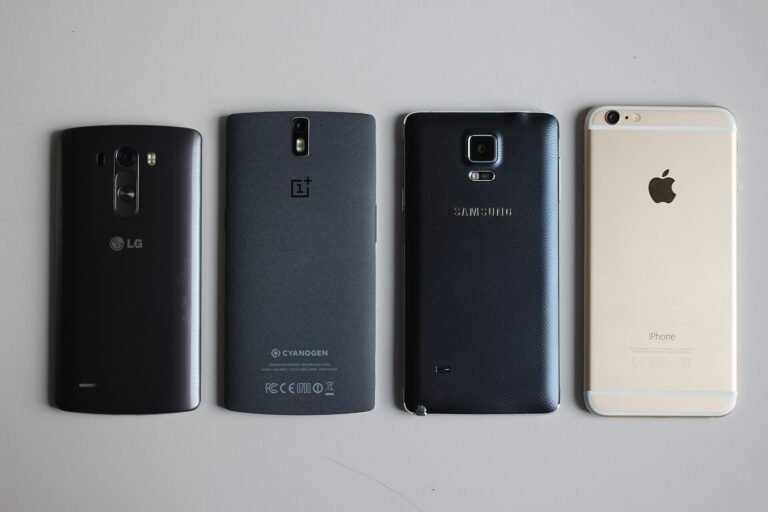
The iPhone X matters in Nigeria in a way it no longer does elsewhere. Internationally it is a discontinued phone from several years ago. Here it remains an active part of the used market, at a price that puts an iPhone within reach of buyers who could not consider a current model.
That makes the useful question not “was it good in 2017” — it was, and it defined the shape of every iPhone since — but “does it still make sense to buy one now, and what should you check”. This covers both.
What it introduced, and why every iPhone since looks like it
Worth a brief note because it explains the design of phones you see today.
The iPhone X removed the home button, introduced Face ID, brought edge-to-edge OLED to the iPhone, and established gesture navigation. Every full-size iPhone since has followed that template. It was a genuine reset rather than an iteration.
What still holds up
The screen. OLED, sharp, with good colour. It remains pleasant to look at and does not feel dated in ordinary use. This is the part that has aged best.
The build. Stainless steel and glass, and it still feels like an expensive object.
The size. Compact by current standards. For anyone who finds modern phones too large, this is a genuine appeal rather than a compromise.
Face ID works, though it is slower than current implementations and does not handle masks.
Everyday performance. For messaging, calls, browsing, social media, WhatsApp and photography, it remains adequate. It is not fast by current standards, but it is not painful.
The camera takes perfectly good photographs in daylight. It has no night mode, so low light is where it clearly shows its age.
What has aged badly
Software support has ended. This is the most important consideration and the one most sellers will not raise. The iPhone X no longer receives new iOS versions, and the security update position for a phone of this age is limited.
That matters practically. A phone that stops receiving security updates becomes progressively less appropriate for banking, and Nigerian banking apps are precisely what most buyers need it for. Some apps will also eventually stop supporting the older iOS version it is stuck on.
This is the single strongest argument against buying one now, and it gets stronger every year.
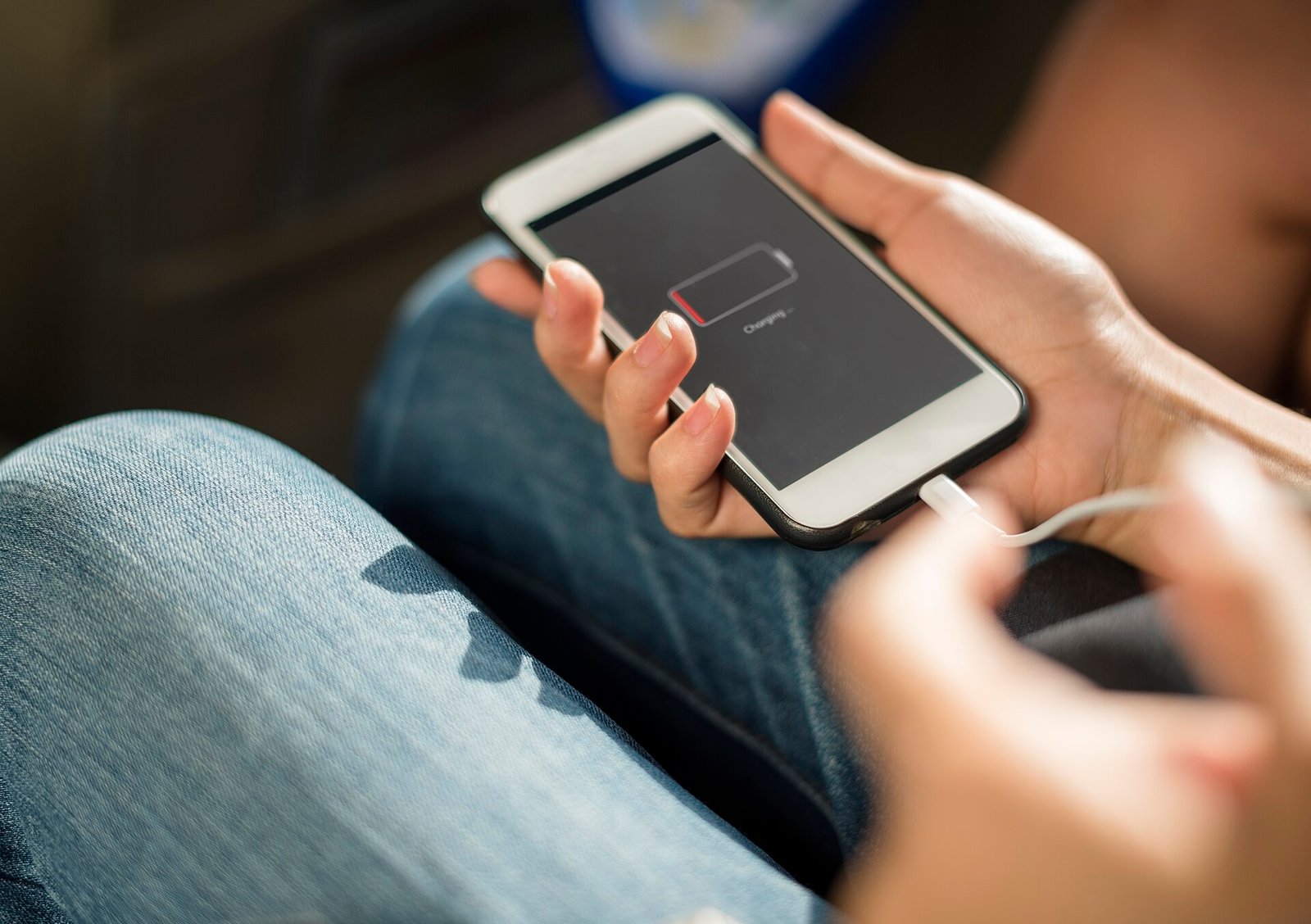
Battery. Every iPhone X in the market is old. Its original battery is well past its useful life, and many will have had replacements of unknown quality. Expect to budget for a replacement.
Low-light photography. No night mode. Modern budget Androids beat it comfortably after dark.
Charging speed. Slow by current standards.
No USB-C. Lightning, which is increasingly inconvenient as everything else standardises.
Should you buy one used in Nigeria?
Honest answer: probably not, unless the price is very low and you understand the limitation.
The software support position is the deciding factor. Paying for an iPhone whose main appeal was always long support, at the point where that support has ended, inverts the logic of buying one.
Better used options at similar or slightly higher money: a later iPhone still within its support window. An iPhone from a couple of generations after this one will cost more but will still receive updates, which is what you are actually buying.
Better new options: a current mid-range Android will beat it on camera in low light, battery, charging speed and — critically — will receive security updates for years.
When the iPhone X still makes sense: as a secondary device, as a first smartphone for a child, for someone who specifically wants a small phone and does not use it for banking, or where the price is low enough that it is essentially disposable.
If you do buy one, check these
Non-negotiable, in order:
iCloud lock. Confirm the phone is signed out of the previous owner’s Apple account. Settings, tap the name at the top — if an account is there, the seller must remove it in front of you. An iCloud-locked iPhone is permanently useless and cannot be unlocked by any legitimate means. This is the most common way people lose money on used iPhones.
IMEI status. Confirm it is not reported lost or stolen and not carrier-locked. Dial `*#06#` to display the IMEI and check it against the phone’s Settings, General, About.
Battery health. Settings, Battery, Battery Health & Charging. Below 80% means budget for replacement. Also check whether it says a non-genuine battery is fitted.
Face ID actually works. Test it. Face ID failure on this model is a known issue and repair is not simple.
Screen. Check for burn-in by displaying a plain white or grey image full screen — look for faint outlines of a keyboard or status bar. Also check for green or pink tints and dead spots.
Water damage. Ask, and look for corrosion around the charging port.
Everything else, physically. Both cameras, speakers, microphone, charging port, all buttons, Wi-Fi and mobile data. Insert your own SIM and confirm it registers on the network and passes data.
Test before paying, not after.
What it was like when it was new
Worth a paragraph of context, because it explains why so many are still in circulation.
The iPhone X was the most expensive iPhone at launch and the most talked about. It abandoned the home button that had defined the product for a decade, replaced fingerprint recognition with facial recognition, and moved to an edge-to-edge OLED display. At the time all three were contentious.
All three became the standard. Every full-size iPhone since has followed the same template, and most of the Android market followed too. Judged as a design, it succeeded completely.
That success is why the used market still carries them in quantity, and why people continue to ask whether one is worth buying.
Specifications, and how they read today
Specification
How it holds up
OLED display
Still genuinely good; the best-aged part of the phone
Face ID
Works, slower than current versions, no mask support
Dual rear cameras
Fine in daylight, poor after dark — no night mode
Processor
Adequate for ordinary use, slow for demanding apps
Storage tiers
Small by current standards, not expandable
Lightning port
Increasingly inconvenient as everything else moved to USB-C
Wireless charging
Present, and still useful
Water resistance
Present, but degraded on any phone of this age
The battery question, specifically
Every iPhone X in circulation is old enough that its original battery is well past useful life. So one of two things is true of any unit you look at: it has a worn original battery, or it has a replacement of unknown provenance.
Neither is disqualifying, but both mean you should budget for a battery replacement as part of the purchase price rather than treating it as a possible future cost.
Check Maximum Capacity in Settings, Battery, Battery Health & Charging. Also check whether the phone reports an unknown or non-genuine battery, which indicates a previous replacement and tells you nothing good or bad on its own — the quality of the cell is what matters, and you cannot see that.
Be aware that a poor-quality replacement cell is a safety issue rather than merely a performance one. If a unit has been repaired, ask by whom.
Where the money is better spent
If your budget is around what a good iPhone X costs, the alternatives worth weighing:
A later iPhone still receiving updates. Costs more, and buys you the thing an iPhone is actually for — years of continued support. This is the better purchase if you can stretch.
A current mid-range Android. Better low-light camera, better battery, faster charging, and years of security updates ahead of it rather than behind.
A refurbished unit with a warranty, from a dealer rather than an individual, which costs more and removes most of the risk.
The short version
The iPhone X was an excellent and genuinely important phone, and the screen and build still feel good today.
But its software support has ended, and that undermines the main reason to buy an iPhone in the first place — particularly for a phone you intend to use for banking.
If you want an iPhone on a limited budget, a later model still inside its support window is the better purchase even at a higher price. If you want the most phone for the money outright, a current mid-range Android beats it on camera, battery, charging and update life.
If you buy one anyway, check the iCloud lock first and the battery health second. Those two decide whether you have bought a phone or an expensive paperweight.
Sources and verification
We checked the practical guidance on this page against the primary or authoritative references below. Follow the linked source for the latest official position before making a payment or time-sensitive decision.
The standard iPhone 16 gets most of what makes the Pro good, at a considerably lower price. Here is what you actually give up, and why it is the sensible choice for most people.
The iPhone 16 Pro is the Pro Max experience in a size you can actually hold. Here is what the smaller body costs you, and why it is the better Pro for most people.
iOS hides a lot of genuinely useful settings behind menus nobody opens. Here are the ones worth changing, including several that save data and battery.
iPhone or Android is usually decided by habit rather than by comparison. Here is an honest look at where each genuinely leads, and what actually matters in Nigeria.
Battery health is a number most iPhone owners misread. Here is what it actually means, when replacement is genuinely worth it, and what damages a battery fastest.