For most of computing history the graphics card was a component gamers cared about and nobody else thought much about. That has changed. The GPU now handles video rendering, photo and video editing acceleration, and the mathematics behind machine learning — which is why graphics chips became one of the most discussed products in technology.
For an ordinary buyer, though, the question remains stubbornly practical: how much graphics capability do I actually need, and how do I avoid paying for capability I will never use?
This guide explains what a GPU does, why it is built so differently from a CPU, what the specifications mean, and how to match a purchase to what you will genuinely do.
What a GPU is for
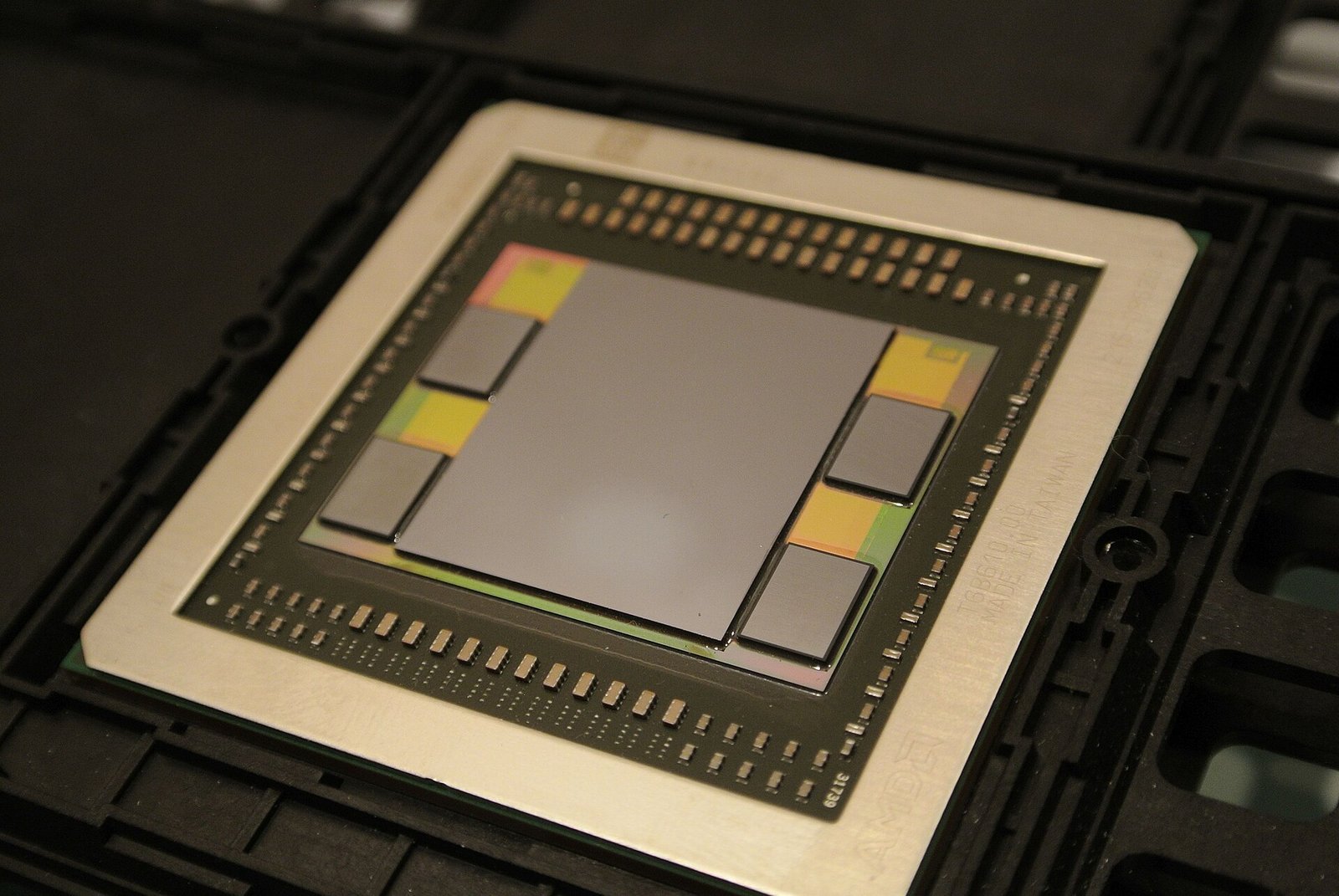
GPU stands for graphics processing unit. Its original job was producing images: converting a description of a scene into the millions of coloured pixels shown on screen, many times per second.
That work has a specific character. It involves an enormous number of small, similar, independent calculations. Each pixel’s colour can be worked out without waiting for its neighbours.
That characteristic shaped the hardware, and the shape turned out to be useful far beyond graphics.
Why it differs from a CPU
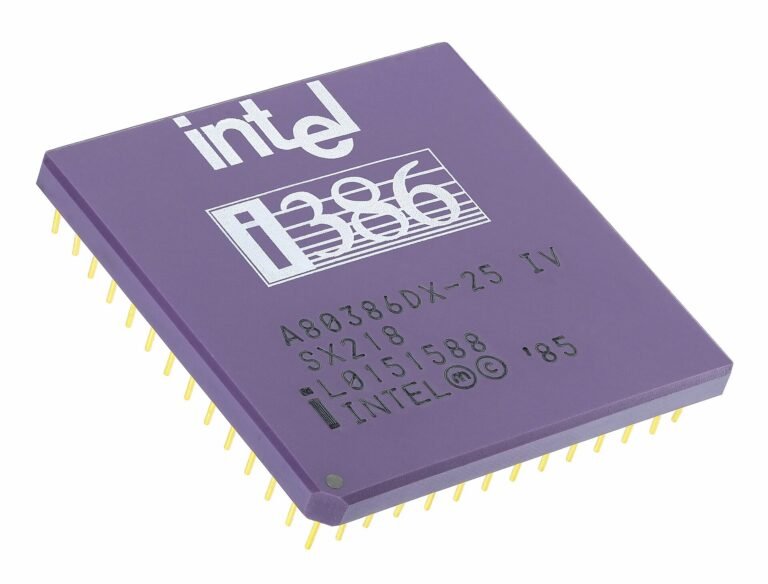
A CPU has a few powerful, flexible cores designed to handle complicated sequential logic quickly. A GPU has thousands of much simpler cores designed to perform the same operation on vast quantities of data simultaneously.
The usual analogy: a CPU is a handful of professors who can solve any problem you give them, one at a time. A GPU is a stadium full of students who can each do simple arithmetic, all at once.
For rendering a scene, running a physics simulation, encoding video, or multiplying the enormous matrices that machine learning depends on, the stadium wins overwhelmingly. For running an operating system or the logic of a spreadsheet, the professors are what you need.
This is why AI training runs on GPUs. Neural networks are, computationally, mostly repeated matrix multiplication — precisely the parallel arithmetic GPUs were built for.
Integrated and discrete graphics
Integrated graphics are built into the same package as the CPU and share the system’s main memory. They cost nothing extra, consume little power and generate little heat. Modern integrated graphics from Intel, AMD, Apple and Qualcomm are considerably more capable than their reputation suggests — comfortably handling video playback, multiple displays, photo editing and lighter gaming.
Discrete graphics are a separate chip with dedicated memory. Much more powerful, much more power-hungry, considerably more expensive.
The honest position for most buyers: integrated graphics are sufficient. If you are not gaming seriously, editing high-resolution video, doing 3D work or running AI models locally, a discrete card is money spent on capability that will sit idle.
VRAM
VRAM is memory dedicated to the graphics chip, holding textures, frame data and models.
Running out of VRAM causes an abrupt performance collapse rather than gentle degradation, because the system must shuffle data across a comparatively slow connection. This is why VRAM capacity is often more important than raw processing power for high resolutions and detailed textures.
Rough guidance for gaming: 8GB is a reasonable current minimum, 12GB comfortable, 16GB or more for high resolution with demanding settings. For running AI models locally, VRAM is usually the binding constraint — the model must fit.
Beware of a common trap: a low-tier card advertised with a large amount of VRAM. The memory is there, but the processing power to make use of it is not. Large VRAM on a weak chip is a marketing decision.
The model numbers
NVIDIA GeForce RTX uses a generation number followed by a tier: the first digits indicate generation, the rest indicate position within it. Higher tier within the same generation means more capable.
AMD Radeon RX follows a similar pattern.
Intel Arc is the newer entrant, competing at the value end.
The critical point, exactly as with processors: do not compare across generations by number alone. A current mid-tier card frequently outperforms a previous flagship, and sometimes does not. Look up a direct benchmark comparison of the two specific models.
What you actually need
Everyday use — browsing, documents, video, video calls, light photo editing. Integrated graphics. No discrete card required.
Casual and older gaming — integrated graphics on a recent chip handle a great deal, particularly at moderate settings.
Serious gaming at 1080p — an entry to mid-tier discrete card.
Gaming at 1440p or high refresh rates — mid to upper tier.
4K gaming — upper tier, and expect to pay accordingly.
Video editing — helps considerably with rendering and effects; a mid-tier card is plenty for most work, and the software’s support for your particular brand matters as much as the tier.
3D rendering and AI work locally — VRAM first, processing power second.
Practical considerations that get overlooked
Power supply. A discrete card needs adequate wattage and the correct connectors. Fitting a powerful card to an inadequate supply causes crashes and can damage components. Check the manufacturer’s recommendation.
Physical size. Modern high-end cards are large. Measure the case before buying.
Cooling and dust. Graphics cards run hot and pull large volumes of air. In a dusty environment they clog faster than people expect, and a clogged card overheats and throttles. Periodic cleaning is genuinely part of ownership here.
Power stability. In an environment with frequent outages and voltage fluctuation, a decent surge protector and a UPS protect an expensive card far more effectively than any specification on the box.
Laptop graphics differ from desktop. The same model name in a laptop delivers less than in a desktop, because of power and thermal limits, and the same laptop chip performs differently in different chassis depending on cooling.
Used cards carry real risk. Cards used continuously for mining or heavy workloads may have degraded cooling. If buying second-hand, test under sustained load before paying, and inspect for dust and fan noise.
The short version
A GPU performs enormous numbers of simple calculations in parallel, which suits graphics, video and the mathematics behind AI. A CPU handles complex sequential logic. They are complementary rather than competing.
Integrated graphics are genuinely sufficient for most people, and paying for a discrete card you will not use is one of the more common ways to waste money on a computer. If you do need one, size the VRAM to your resolution, compare specific models with benchmarks rather than trusting the numbering, and check that your power supply and case can actually accommodate it.
And in a dusty, power-unstable environment, keeping it clean and giving it clean power will do more for its lifespan than buying one tier higher.
Sources and verification
We checked the practical guidance on this page against the primary or authoritative references below. Follow the linked source for the latest official position before making a payment or time-sensitive decision.
All USB-C ports look identical and behave completely differently. Here is why cables are not interchangeable, what Thunderbolt adds, and how to avoid buying the wrong one.
Monitor specifications are full of numbers that sound important. Here is what resolution, panel type and refresh rate actually mean, and how to choose without overpaying.
Cores, threads, clock speed, cache. Here is what a CPU actually does, what the specifications mean in practice, and which numbers matter when you are buying a phone or laptop.
Latency is the delay between doing something and seeing the result. It matters more than download speed for calls, gaming and video. Here is what causes it and how to reduce it in Nigeria.
Wi-Fi 6, 6E and Wi-Fi 7 are marketing names for real technical changes. Here is what each one actually improves, and whether upgrading your router in Nigeria is worth the money.
Refresh rate is how many times a second your screen redraws. Here is what 60Hz, 120Hz and 144Hz actually feel like, where the benefit is real, and where it just costs battery.