How to Password Protect a PDF: Free Methods on Windows, Mac, and Online
You can password protect a PDF without paying for software. Here are the free methods on Windows, Mac, phone and online, and which ones are actually secure.
Step-by-step guides for getting more out of your phone, laptop, and home network.
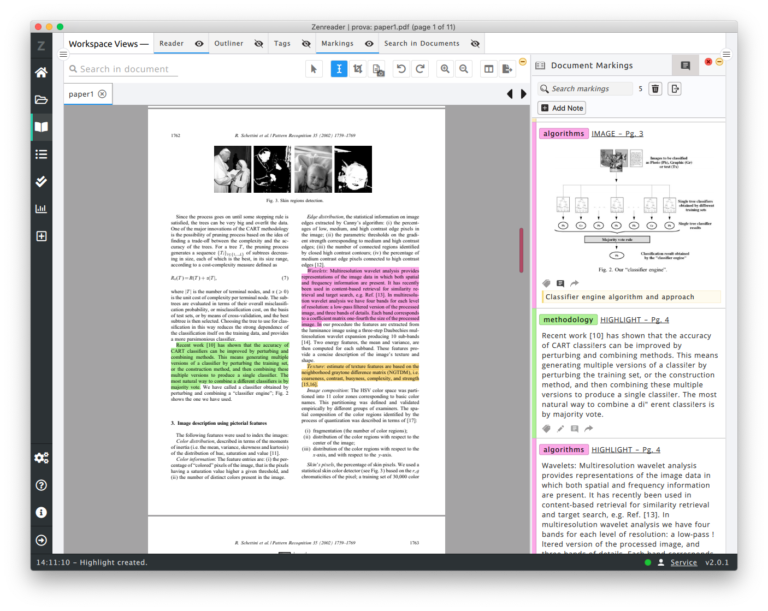
You can password protect a PDF without paying for software. Here are the free methods on Windows, Mac, phone and online, and which ones are actually secure.
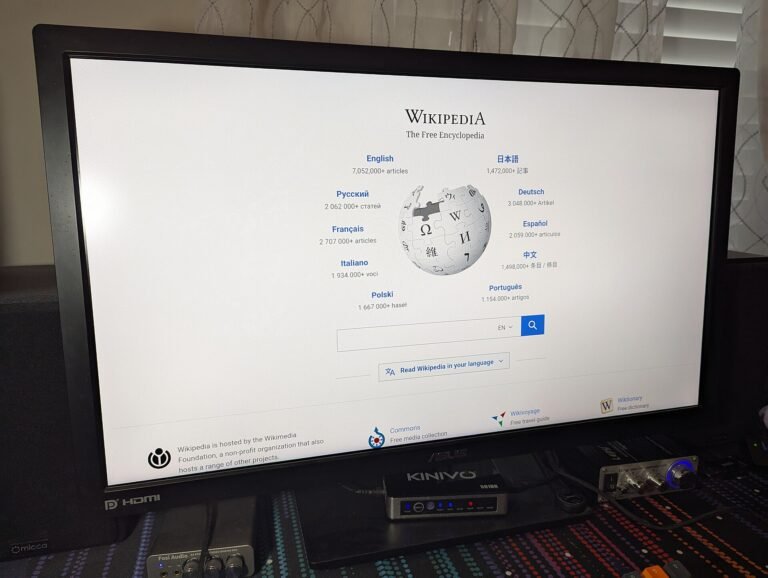
Monitor specifications are full of numbers that sound important. Here is what resolution, panel type and refresh rate actually mean, and how to choose without overpaying.

Every device can record its screen without extra software. Here is how to do it on Windows, Mac, iPhone and Android, including how to get the audio right.
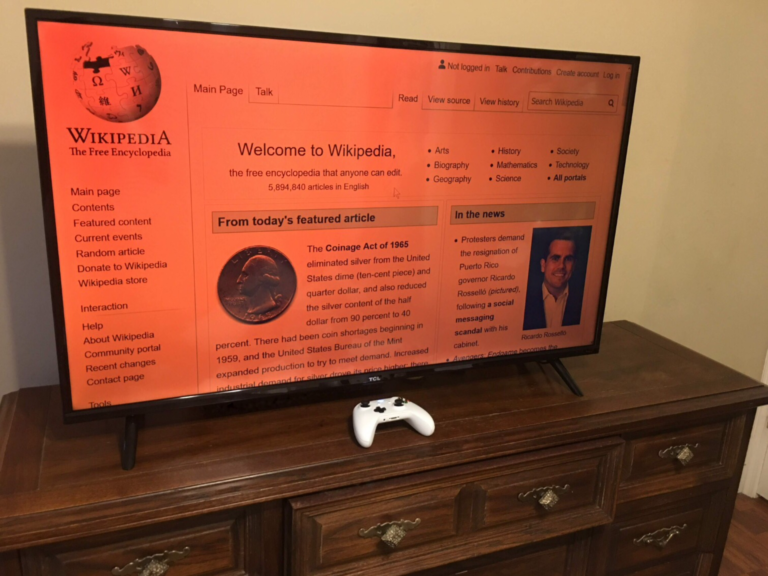
Factory resetting Windows 11 fixes problems a clean-up cannot. Here is every reset option explained, what each one keeps, and how to do it without losing anything.
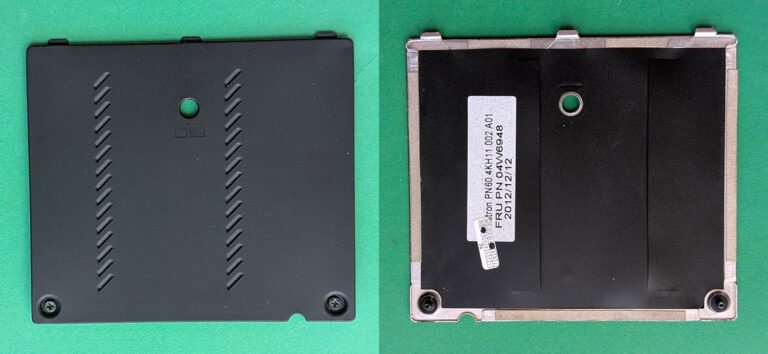
Adding RAM is the cheapest meaningful upgrade for most computers. Here is how to check what you need, buy the right kind, and install it without damaging anything.
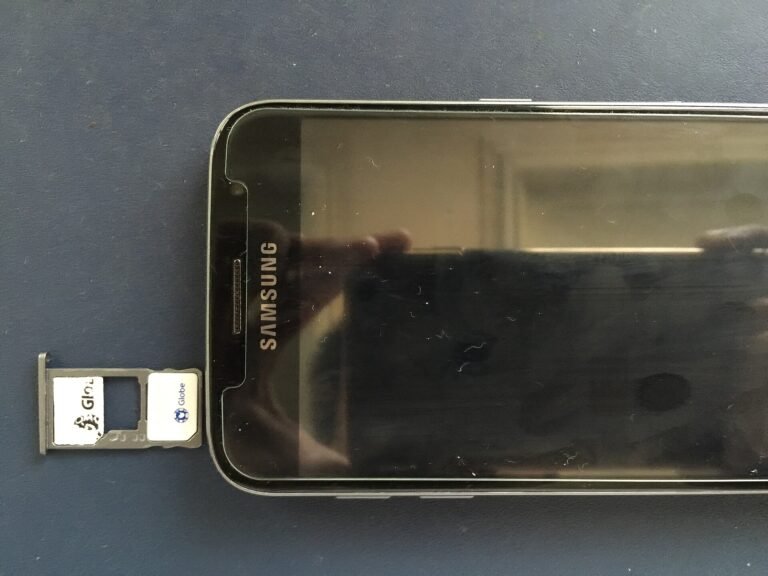
iPhone storage full? Here is where the space actually goes, the methods that reclaim the most, and how to stop it filling up again — without deleting your photos.

iPhone battery draining fast? These are the settings that genuinely make a difference, in order of impact, plus the myths that waste your time.
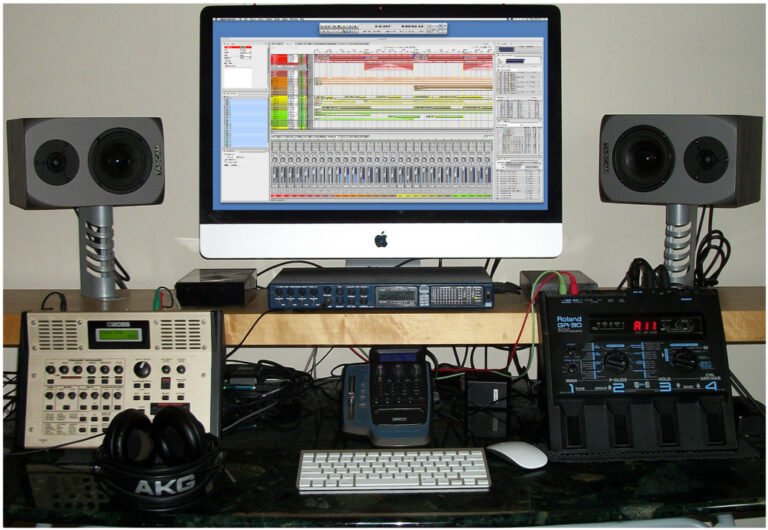
Most people have no real backup until they lose something. Here is how to back up Windows, Mac and phones properly, what the 3-2-1 rule means, and why sync is not backup.

A home network is a router, some cables and some Wi-Fi. Here is how to set it up properly, position it for real coverage, secure it, and fix the dead spots.

Moving from iPhone to Android used to mean losing things. It no longer does, if you migrate in the right order. Here is the complete process, including what does not transfer.