The processor is the component people know they should care about and rarely understand. Shop listings offer a Core i5, a Snapdragon 8, a Ryzen 7, an M4, each followed by numbers, and the shopper is expected to translate that into whether the machine will feel fast.
The specifications are not meaningless, but they are frequently the wrong things to compare. Two chips with identical core counts and clock speeds can differ substantially in real performance. A higher number sometimes indicates an older, slower part. And for most everyday tasks the processor stopped being the bottleneck years ago.
This guide explains what a CPU does, what each specification actually describes, which ones matter for which uses, and how to compare sensibly rather than by counting.
What a CPU does
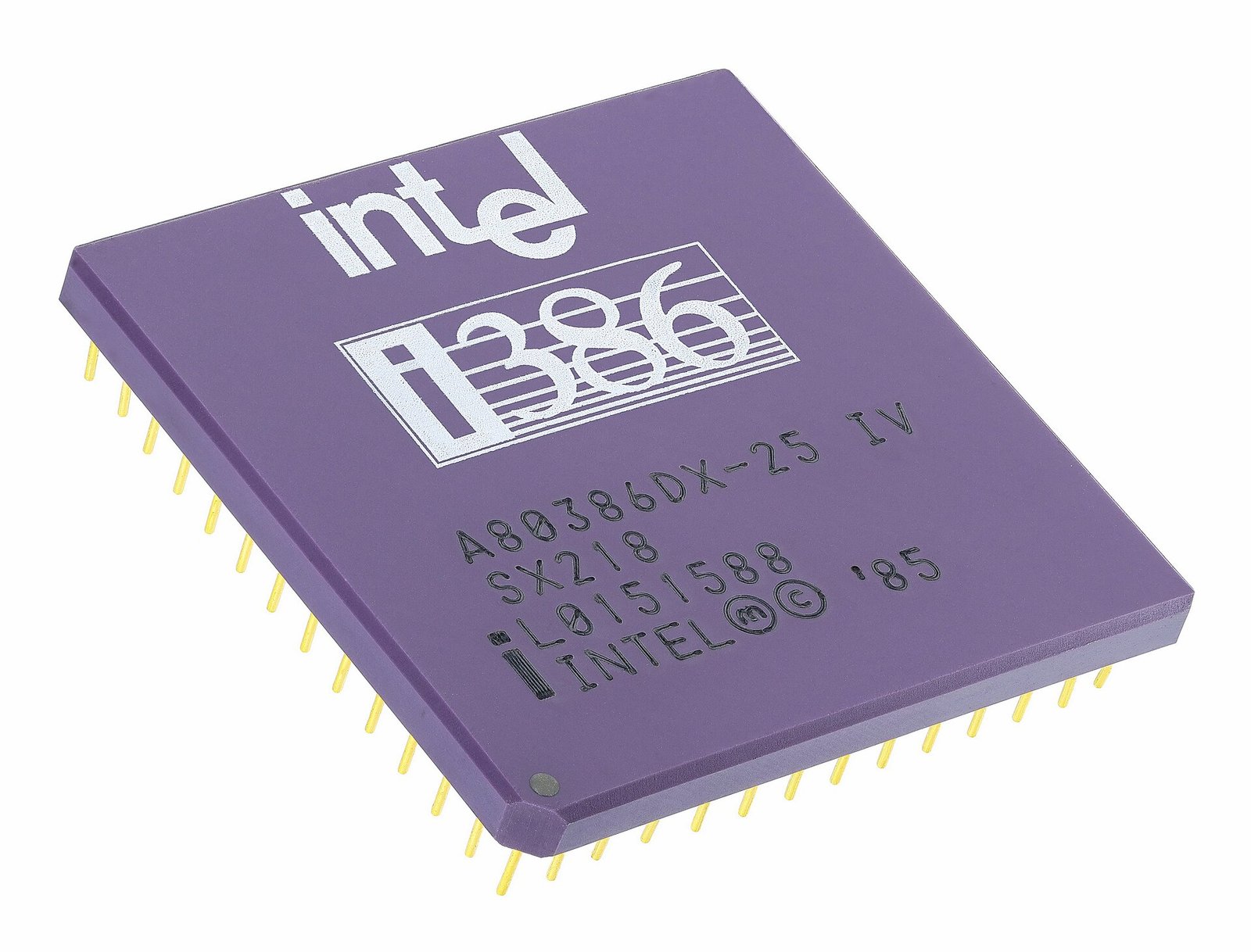
The CPU — central processing unit — executes instructions. It fetches an instruction from memory, works out what it means, performs it, and stores the result. Then it does that again, billions of times per second.
Every action on a device decomposes into enormous sequences of these tiny operations: adding numbers, comparing values, moving data between locations, deciding which instruction to run next.
The CPU is the general-purpose part. It handles the operating system, applications, logic and coordination. Specialised work — rendering graphics, running AI models, decoding video — is increasingly handed to dedicated hardware that does one job far more efficiently.
Cores
A core is a complete processing unit. A CPU with eight cores can genuinely work on eight things at once.
This helps in two situations. First, running several programs simultaneously — the operating system distributes them across cores. Second, running one program written to split its work into parallel pieces.
The catch is that second condition. Many tasks are inherently sequential: each step depends on the previous one’s result. Adding cores does not speed those up at all. Video encoding, 3D rendering, compiling code and file compression parallelise well. A great deal of everyday application logic does not.
This is why a four-core chip with strong individual cores frequently feels faster in daily use than an eight-core chip with weak ones. For browsing, documents and general use, how fast each core is matters more than how many there are.
Threads
A thread is a sequence of instructions. Many CPUs run two threads per core, a technique branded Hyper-Threading by Intel and SMT elsewhere.
The reasoning: a core often sits idle waiting for data from memory. A second thread can use those gaps. It is not two full cores — the extra thread might add perhaps 20 to 30 per cent throughput rather than 100 per cent — but it is efficient use of hardware that would otherwise be waiting.
So a listing reading “8 cores, 16 threads” means eight physical cores each handling two instruction streams.
Clock speed
Clock speed, in gigahertz, is how many cycles per second the core runs. 3.5 GHz means 3.5 billion cycles a second.
The instinct is that higher is faster, and within a single chip family that holds. Across different designs it does not, because chips differ in how much work they complete per cycle. This is called IPC — instructions per cycle — and it is where most generational improvement actually comes from.
A modern 3.0 GHz core routinely outperforms an older 4.0 GHz core because it does more per tick. Comparing clock speeds between generations or manufacturers tells you very little.
You will also see two figures: base clock and boost clock. Base is the sustained guaranteed speed; boost is a higher speed the chip reaches briefly when thermal and power conditions permit. In a thin laptop, boost may last seconds before heat forces it down — which is why the same chip performs differently in different chassis.
Cache
Cache is very fast memory built into the processor, holding data the core is likely to need next. Fetching from main memory is slow in CPU terms; fetching from cache is far quicker.
It is arranged in levels — L1 smallest and fastest, then L2, then L3 largest and slowest. More cache generally helps, particularly for games and data-heavy work, though it is rarely the deciding specification.
Performance and efficiency cores
Modern phone and laptop chips mix core types. Some cores are large and fast, for demanding work. Others are small and power-efficient, for background tasks.
The operating system assigns work accordingly. Checking for email uses efficiency cores; opening a large file uses performance cores. This is why modern devices can be responsive and still last a day on battery, and it is why raw core counts are increasingly misleading — eight cores might mean four strong and four weak.
Architecture: x86 and ARM
Two broad families exist.
x86 powers most Windows laptops and desktops, from Intel and AMD. Long history, enormous software compatibility.
ARM powers virtually all phones and tablets, Apple’s M-series Macs, and a growing number of Windows laptops. Designed with power efficiency as a priority, which is why ARM devices tend to deliver strong performance per watt and better battery life.
Software must be built for the architecture, though translation layers now handle much of the gap reasonably well.
What actually makes a device feel fast
This is the section that saves money.
For everyday use — browsing, documents, messaging, streaming — the processor is usually not the limiting factor on any device made in the last several years. The things that make a machine feel slow, in rough order of impact:
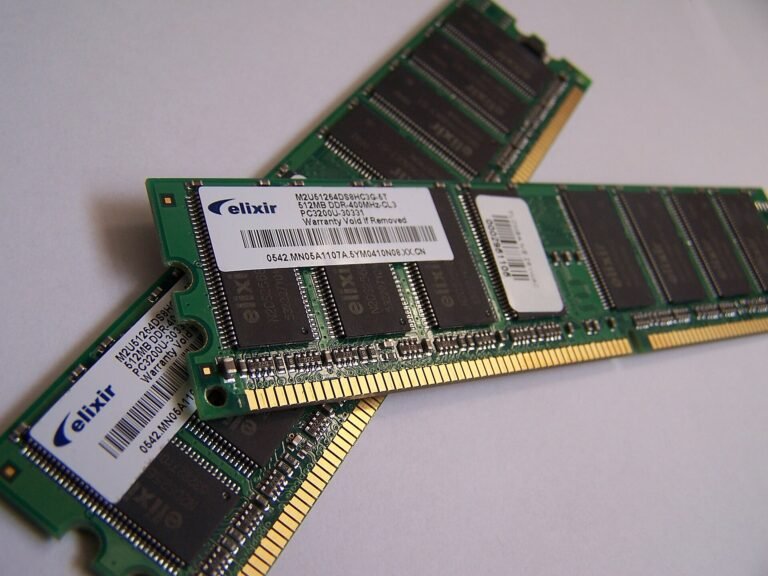
Insufficient RAM. When memory fills, the system moves data to much slower storage, and everything crawls. Going from 4GB to 8GB transforms a laptop far more than a processor upgrade would.
A mechanical hard drive. Replacing a spinning drive with an SSD is the single largest perceived speed improvement available on an older machine, by a wide margin.
Thermal limits. A thin laptop with poor cooling throttles quickly, so a powerful chip delivers a fraction of its potential under sustained load.
Background software. Too many programs starting automatically.
A full storage drive. Performance degrades sharply when a drive is nearly full.
Buy more RAM and an SSD before a faster processor. This advice is unglamorous and almost always correct.
Reading the model numbers
Intel: Core i3 / i5 / i7 / i9, now also Core Ultra. The generation matters as much as the tier — a current i5 typically beats an older i7. Suffixes indicate purpose: U for low power, H for high performance laptops, K for unlocked desktop parts.
AMD: Ryzen 3 / 5 / 7 / 9, with a four-digit number where the first digit indicates generation.
Qualcomm Snapdragon: the 8 series is flagship, 7 mid-range, 6 and 4 budget.
MediaTek Dimensity: common in phones sold widely in Nigeria, including many Tecno and Infinix models. The higher the number, generally the more capable.
Apple: A-series in iPhones, M-series in Macs, with generation numbers.
The reliable approach is not to interpret the naming but to look up a benchmark comparison of the two specific chips you are choosing between. Model names are marketing; benchmark comparisons are data.
Practical buying guidance
For a phone, almost any current mid-range chip handles messaging, social media, video and photography comfortably. Prioritise RAM and storage. Heavy gaming is the exception where a flagship chip earns its price.
For a laptop for study or office work, a current mid-tier chip with 8GB of RAM minimum — 16GB if you can — and an SSD is the sensible configuration. Battery life and build quality will matter more day to day than processor tier.
For video editing, 3D or development, core count and sustained cooling both matter, and this is where paying for a higher tier genuinely returns something.
For a used machine, check the generation rather than the tier. An old i7 can easily be slower than a recent i3, and the seller is unlikely to volunteer that.
The short version
The CPU executes instructions. Cores let it do several things at once, but only if the work divides. Clock speed compares meaningfully only within a chip family. Cache helps quietly. Modern chips mix fast and efficient cores, which makes simple core counts misleading.
For most people, most of the time, the processor is not what makes a device feel slow. RAM and storage type are. Buy those first, look up a benchmark comparison rather than trusting the model name, and check the generation before the tier when buying second-hand.
Sources and verification
We checked the practical guidance on this page against the primary or authoritative references below. Follow the linked source for the latest official position before making a payment or time-sensitive decision.
DDR5 is faster than DDR4 on paper, but the practical difference is smaller than the marketing suggests. Here is what changed, when it matters, and how much RAM you actually need.
The cloud is not a metaphor for thin air. It is somebody else’s computers in a building somewhere. Here is what that actually means for your files, your money and your data costs.
Adding RAM is the cheapest meaningful upgrade for most computers. Here is how to check what you need, buy the right kind, and install it without damaging anything.
Monitor specifications are full of numbers that sound important. Here is what resolution, panel type and refresh rate actually mean, and how to choose without overpaying.
OLED and LCD produce a picture in fundamentally different ways. Here is what that means for contrast, burn-in, battery life and whether the premium is worth paying.
Encryption is what stops other people reading your messages, your banking app and your files. Here is how it works in plain language, what it protects, and the limits worth knowing.