How to Choose a Laptop in The Buying Guide That Actually Helps
Buying a laptop is harder than buying a phone. There are more models, the specifications are more numerous, the same machine appears in a dozen configurations, and the things that determine whether you will be happy with it in two years are mostly not the things printed on the shelf label.
The good news is that the decision reduces to a small number of choices that genuinely matter, and a larger number that do not. Getting the first group right produces a machine that stays pleasant for years. Getting them wrong produces one that frustrates you regardless of what you spent.
The specifications that actually matter
1. RAM
The most common cause of a laptop feeling slow, and the one people under-buy most often.
16GB is the sensible target. 8GB is a workable minimum for light use. 4GB is inadequate and should be avoided entirely at any price.
The critical question, and one many buyers never ask: is the RAM upgradeable, or soldered to the board? Many thin laptops solder it. If it is soldered, whatever you buy is permanent. Paying once for 16GB is far cheaper than discovering in two years that 8GB is not enough and cannot be changed.
Check this before buying. It is frequently the single most consequential specification.
2. Storage type and capacity
It must be an SSD. Not a mechanical hard drive. This is non-negotiable in a new machine — the difference in how the computer feels is enormous, larger than any processor difference.
512GB is comfortable. 256GB is workable if you keep files in the cloud or on an external drive. 128GB fills quickly.
Check whether there is a free slot to add a second drive later.
3. Battery life
Matters more here than in markets with reliable power, and it deserves to be near the top of your list rather than an afterthought.
Manufacturer claims are measured under gentle conditions and should be discounted substantially. Look at independent testing where you can, and treat the stated figure as an optimistic ceiling.
A laptop that genuinely lasts six to eight hours of real work changes what you can do during an outage. One that lasts three does not.
4. Build quality and keyboard
You touch these constantly and they are rarely specified.
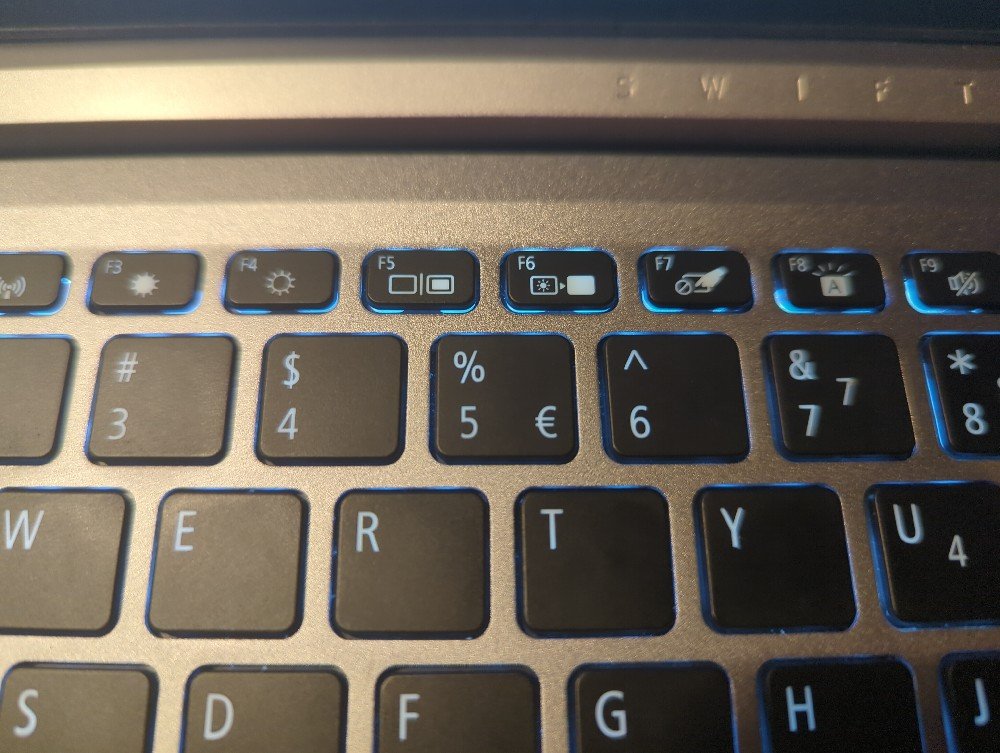
A flexing chassis, a hinge that loosens, a keyboard that is unpleasant to type on — these are what make a laptop tiresome, and none appear on the specification sheet. Type on it in the shop if you possibly can.
5. Screen
Full HD (1920×1080) minimum. Below that is a false economy.
Brightness matters more than resolution for practical use, particularly if you work anywhere with strong daylight. A dim panel is genuinely limiting.
Matte versus glossy: matte handles reflections better.
IPS for viewing angles and colour.
6. Processor
Important, and less decisive than the marketing suggests.
For general use — documents, browsing, video calls, light everything — any current mid-tier processor is sufficient, and RAM and storage will affect your experience more.
For video editing, development, 3D or heavy multitasking, processor tier genuinely matters.
Check the generation, not just the tier. A current mid-tier chip typically outperforms an older high-tier one. This is the most common way people are misled, particularly when buying used or clearance stock.
7. Ports
Check what you actually need. HDMI for a monitor or projector. USB-A for older peripherals. An SD card slot if you use a camera. USB-C with power delivery so you can charge from a standard charger.
A laptop with only two USB-C ports means carrying a dongle permanently.
What matters less than you think
Graphics card, unless you game, edit video or do 3D. Integrated graphics handle everything else comfortably, and a discrete card costs money, battery life and heat.
Touchscreen, unless you specifically want it. It costs battery and adds weight.
Very high resolution screens on small panels — sharper, but they consume battery and require scaling.
Thinness, beyond a point. Very thin laptops throttle under sustained load because there is nowhere for heat to go, so the same processor performs worse in a thinner body.
Brand loyalty. Every manufacturer makes good and poor models.
The Nigerian buying context
Power stability. Use a surge protector, and consider a UPS for a desktop setup. Voltage fluctuation damages chargers and, eventually, laptops.
Heat and dust. Both shorten laptop life. Vents clog, the machine throttles, and the owner concludes it has aged. Clean the vents periodically and avoid using it on soft surfaces that block airflow.
Warranty and service. Confirm where the warranty is honoured before buying. A machine imported informally may have no serviceable coverage here. Brands with local service presence are worth a premium for this reason alone.
The used and refurbished market is genuinely worth considering. Ex-corporate business laptops — the durable, well-built lines rather than consumer models — are widely available and represent good value. They were built to be repaired, parts are available, and they typically have better keyboards and screens than new machines at the same price.
If buying used: check battery health, check the storage type, confirm the RAM is upgradeable, look for physical damage around the hinge, and test every port. Ask why it is being sold.
Counterfeit chargers are a real hazard. Use the manufacturer’s, or a reputable third-party one.
Matching machine to use
Study and office work: current mid-tier processor, 16GB RAM, 512GB SSD, Full HD IPS screen, good battery. Prioritise keyboard and battery over processor tier.
Programming: 16GB minimum and 32GB if affordable, fast SSD, good screen, comfortable keyboard.
Video editing: stronger processor, 32GB RAM, discrete graphics, large fast SSD, colour-accurate screen.
Gaming: discrete graphics, good cooling, accept the weight and battery cost.
Occasional light use: a modest machine or a Chromebook is genuinely sufficient and there is no merit in overbuying.
A checklist before paying
- Is the RAM soldered or upgradeable?
- Is it an SSD, and how large?
- What is the realistic battery life, from an independent source?
- Have I typed on the keyboard?
- Is the screen bright enough for where I will use it?
- What generation is the processor, not just what tier?
- Does it have the ports I need?
- Where is the warranty honoured, and for how long?
- If used: battery health, hinge condition, all ports tested?
The short version
RAM, an SSD, and battery life determine whether you are happy with a laptop. Processor tier matters far less than the marketing suggests, and generation matters more than tier.
Find out whether the RAM is soldered before you buy, because that single answer determines whether the machine can grow with you.
In Nigeria, weigh battery life and local warranty availability more heavily than a review written elsewhere would, protect the machine from heat, dust and unstable power, and take the refurbished business laptop market seriously — it is frequently better value than a new consumer model at the same price.
Sources and verification
We checked the practical guidance on this page against the primary or authoritative references below. Follow the linked source for the latest official position before making a payment or time-sensitive decision.
Reviewed 9 September 2026. Corrections can be sent through our contact page.