Memory is marketed to gamers with an enthusiasm the actual performance difference does not justify. Kits are sold on speed figures, elaborate heat spreaders and lighting, and buyers reasonably assume that a bigger number produces more frames.
The real relationship is more modest and more specific. Memory affects gaming performance in particular circumstances and barely at all in others, and knowing which is which prevents spending money that would deliver far more elsewhere.
Capacity first, and it is mostly settled
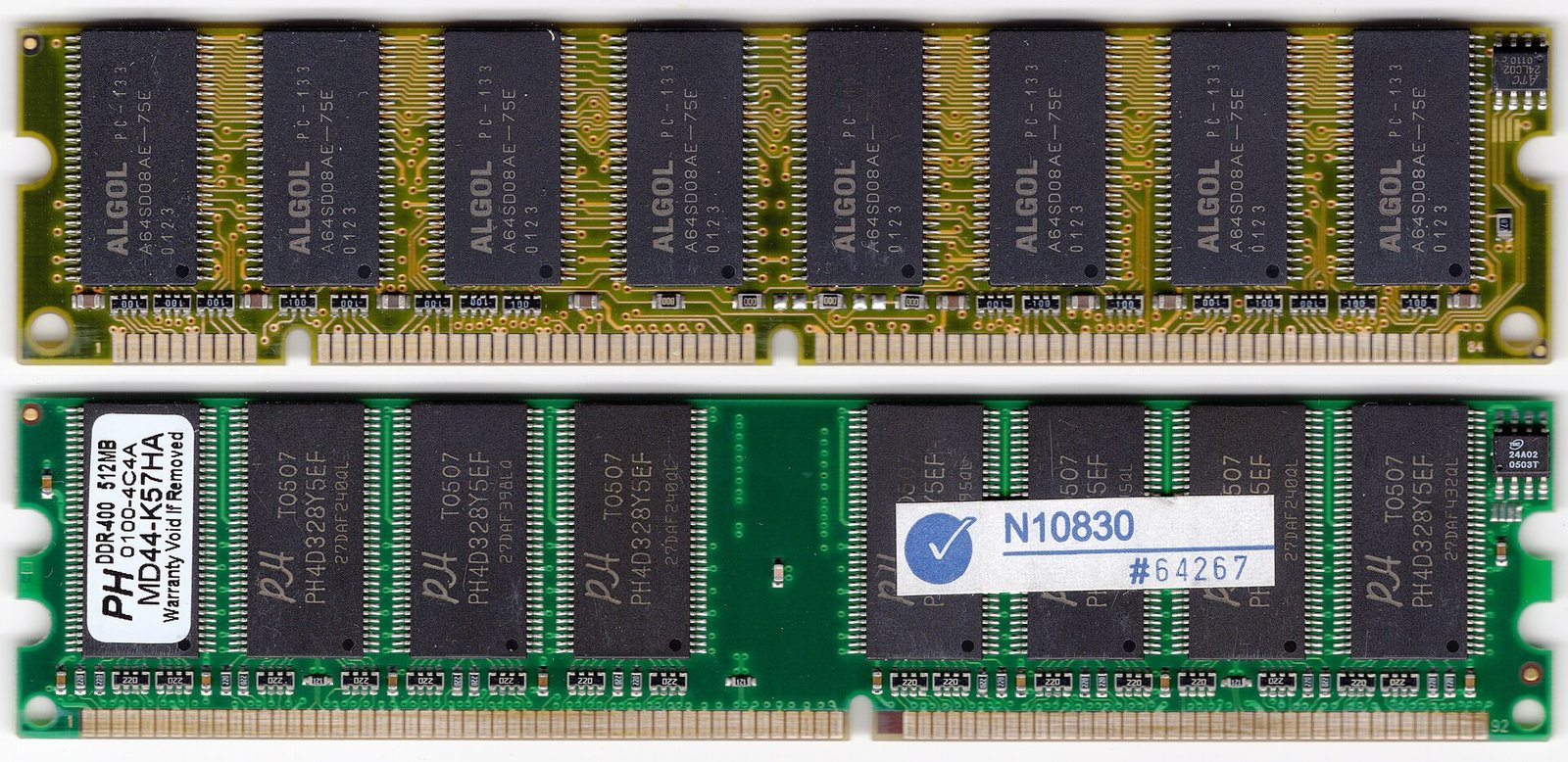
16GB is the practical standard for gaming. Almost every current game runs comfortably within it, and it leaves room for a browser, a chat application and streaming software alongside.
32GB is worth having if you stream while playing, run many applications simultaneously, edit video on the same machine, or play a small number of unusually memory-hungry titles.
8GB is now genuinely limiting. Modern games stutter when memory fills because data must be fetched from storage instead. If you have 8GB and games stutter intermittently, this is very likely the cause, and adding memory will help more than any other upgrade at similar cost.
64GB is unnecessary for gaming. It matters for professional workloads, not for frames.
The honest summary: get to 16GB, consider 32GB if you multitask heavily, and stop.
Dual channel matters more than speed
This is the most under-appreciated point and it is free performance.
Memory works in channels. Two matched sticks running in dual-channel mode deliver substantially more bandwidth than a single stick of the same total capacity.
2 × 8GB meaningfully outperforms 1 × 16GB in gaming. The difference is larger than the difference between a modest and an expensive memory speed.
It matters enormously on systems using integrated graphics, where the graphics processor borrows system memory and is directly limited by its bandwidth. On such machines, moving from single to dual channel can improve frame rates dramatically.
If you buy nothing else from this article: buy two sticks, not one.
Speed: real but modest
Faster memory does improve gaming performance, and the improvement is usually a few per cent — noticeable in benchmarks, rarely perceptible in play.
The exception is when the processor is the limiting factor rather than the graphics card, which happens at lower resolutions and high frame rates, and in certain simulation and strategy games that are memory-sensitive.
At higher resolutions, the graphics card becomes the constraint and memory speed matters even less.
Practical guidance: buy a sensible mainstream speed for your platform rather than the fastest available. The premium for top-tier speed buys very little in games, and the money moves the needle far more in a better graphics card.
Latency, and why the speed number alone is misleading
Memory has two relevant characteristics: how fast it transfers data, and how long it waits before starting.
A kit with a high speed rating and poor timings can perform worse than a slightly slower kit with tight timings. This is why comparing kits by the speed figure alone is unreliable.
For most buyers this is more detail than is useful. The workable rule is to buy a reputable kit at a mainstream speed for your platform and not to agonise further.
Enable the profile — the step most people skip
This matters and is routinely missed.
Memory sold at a rated speed does not run at that speed by default. It runs at a slower baseline until you enter the BIOS and enable the manufacturer’s profile — XMP on Intel platforms, EXPO on AMD.
A great many people buy fast memory, install it, and run it at the base speed for years without knowing.
Enter the BIOS, find the memory or overclocking section, enable the profile, save and restart. Then confirm the speed in Task Manager’s Performance tab.
This takes two minutes and delivers the performance you already paid for.
DDR4 or DDR5?
Your motherboard decides this, not you. They are physically incompatible and cannot be mixed.
If you are building new, DDR5 is the current standard. If you have a DDR4 system, adding matched DDR4 is entirely sensible and there is no need to replace the platform to chase memory generation — the real-world gaming difference is small.
What to ignore
Heat spreaders, beyond basic ones. Memory does not generate enough heat in normal use to require elaborate cooling, and tall heat spreaders can physically obstruct a large processor cooler.
Lighting, which affects appearance and nothing else. It also adds cost and, on some kits, requires additional software.
Extreme speed kits at a large premium, unless you are specifically benchmarking.
“Gaming” branding as a quality indicator.
Buying practically
Check compatibility with your motherboard — generation, maximum supported capacity, and maximum supported speed. Manufacturer configurators do this reliably.
Buy a matched kit rather than two separate sticks. Kits are tested together.
Check physical clearance if you have a large air cooler. Tall memory modules and large heatsinks conflict.
Buy from a seller you can return to. Counterfeit and relabelled memory circulates and produces intermittent crashes that are miserable to diagnose.
Test after installing. Run Windows Memory Diagnostic or MemTest86. Faulty memory causes instability that is easy to misattribute to software.
Where the money is better spent
If the goal is more frames, the order of impact for most systems is:
A better graphics card — by a wide margin the largest factor
Enough RAM to stop running out — 8GB to 16GB is transformative; 16GB to 32GB is not
Dual channel rather than single
A faster processor, if it is the bottleneck at your resolution
Memory speed — real, small
Buying a premium memory kit before a better graphics card is the most common misallocation in this area.
The short version
Get to 16GB, run two matched sticks rather than one, buy a mainstream speed rather than the fastest available, and enable XMP or EXPO in the BIOS so it actually runs at the speed you paid for.
Ignore the lighting, ignore the elaborate heat spreaders, and check physical clearance against your cooler.
Then put the money you saved into the graphics card, which is what actually determines your frame rate.
Sources and verification
We checked the practical guidance on this page against the primary or authoritative references below. Follow the linked source for the latest official position before making a payment or time-sensitive decision.