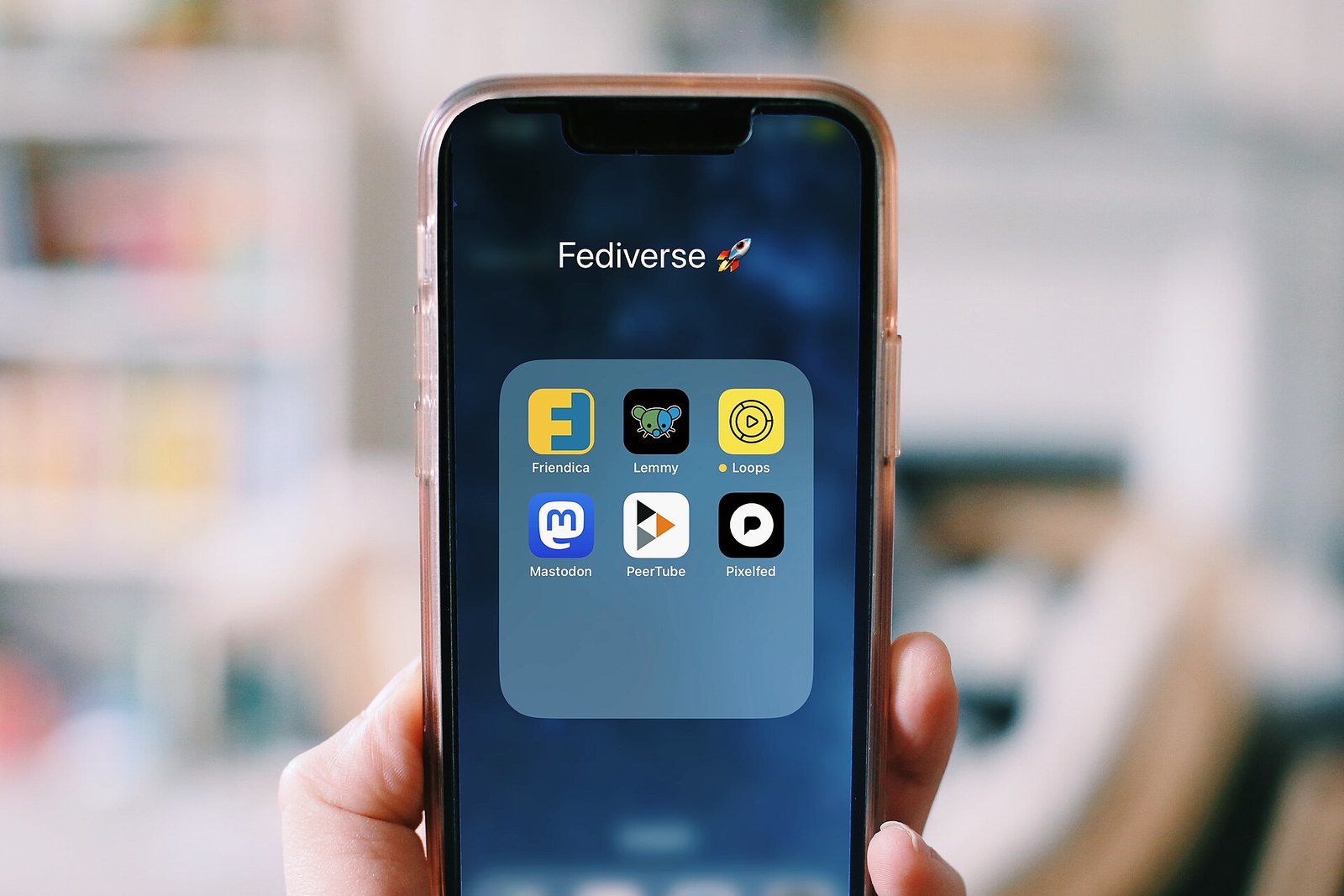
Search “AI” in the App Store and you get thousands of results, a large proportion of which are the same thing: a wrapper around a general-purpose model, with a subscription attached, marketed as a specialised assistant.
That is not automatically dishonest — a well-designed interface for a specific task has real value. But it does mean the number of genuinely distinct tools is far smaller than the number of listings, and a great many people pay for several apps that all do what one free app already does.
This guide covers the categories that genuinely help on an iPhone, what to look for, and the specific traps in this corner of the App Store.
First: what your iPhone already does
Before installing anything, note the AI capability already present, because a lot of people pay for apps that duplicate it.
Live Text extracts text from any photo or from the camera view. Point the camera at a document, a sign, a receipt, or a page of a book, and you can select and copy the text. This replaces most standalone OCR apps.
Visual Look Up identifies objects, plants, landmarks and animals in photos.
Dictation is genuinely good and works offline on recent devices. Tap the microphone on the keyboard and speak. For long messages this is far faster than typing, and it is free.
Photos search finds images by content — search “receipt” or “whiteboard” and it works.
Translate handles text and conversation, and downloads languages for offline use.
Shortcuts automates repetitive sequences without any subscription.
Between these, several categories of paid app become unnecessary.
The categories worth having
General assistants
The official ChatGPT, Gemini and Claude apps are free to install with capable free tiers. They handle drafting, explaining, summarising, brainstorming and answering questions.
This is the important point: these official apps replace most “AI assistant” apps in the store. Install the official one from the actual company rather than a third-party wrapper charging a subscription for access to the same model.
Note-taking with AI features
Apps that record a meeting or lecture, transcribe it, and produce a summary. This is a genuinely useful category, because transcription plus summarisation of your own recording is a task where the model works from real material rather than recall.
Look for offline transcription if privacy matters, and check what happens to your recordings.
Document scanning
Turning a photo of a document into a clean, cropped, readable PDF. Apple’s Notes app does this natively — tap the camera icon and choose Scan Documents — and Files can too. Paid alternatives add batch processing and better handling of poor lighting.
For a small business handling paperwork, this is one of the more practical uses of a phone.
Voice recording and transcription
Recording interviews, meetings or your own thoughts and getting text back. Useful for anyone who thinks better aloud than in writing.
Photo editing
Object removal, background replacement, upscaling. Genuinely capable now, and the free tiers of major photo apps handle a lot.
Writing assistance
Grammar and tone checking on a keyboard level. Useful, though note that a keyboard extension sees everything you type, which is a meaningful privacy consideration.
The traps
Wrapper apps with heavy subscriptions. A great many apps charge a weekly or monthly fee for access to a model you can use free in the official app. Check who the developer is. If an app promising “AI chat” is from a company you have never heard of and charges more than the official product, you are paying a middleman.
Weekly subscriptions. A common pattern in this category: a small weekly figure that annualises to far more than a normal subscription. Always look at what it costs per year.
Aggressive free trials. Three days, auto-renewing, with the cancellation route buried. If you start a trial, set a reminder immediately and know where to cancel — Settings, your name, Subscriptions.
Permission overreach. An AI photo app requesting contacts, or a writing app requesting location. Decline and reconsider the app.
Keyboard extensions with full access. These can read everything you type, including passwords. Only grant this to a developer you have reason to trust.
Apps that upload everything. Check whether processing happens on the device or on a server, particularly for documents and photos.
Practical points for Nigerian users
Data consumption. Most of these tools process in the cloud, so extended use consumes data. Voice and image features consume considerably more than text. Work on Wi-Fi where you can.
Subscription payment. App Store subscriptions billed in dollars are frequently declined on naira cards, and pricing moves with the exchange rate. Check the naira figure at the point of purchase rather than assuming.
Free tiers go a long way. Between the built-in iPhone features and the official free apps, most people can cover their needs without paying anything.
Offline capability matters. Where connectivity is intermittent, an app that works offline — dictation, on-device transcription, downloaded translation — is worth more than a more capable one that needs a connection.
How to choose an app
Prefer the official app from the company that makes the model.
Check the developer name against the company it claims to represent.
Read the recent reviews, sorted by most recent, not the summary rating.
Look at the subscription terms before installing, on the App Store listing under In-App Purchases.
Check the privacy label on the listing for what data is collected and linked to you.
Try the free tier for a fortnight before paying anything.
Working out whether an app is worth its subscription
A short test that saves money.
Ask what it does that a general assistant cannot. If the answer is “nothing, but the interface is nicer”, decide whether the interface is worth the annual cost.
Check the annual figure, not the weekly one. A small weekly amount is the standard pricing pattern in this category precisely because it looks trivial and annualises to more than most subscriptions.
Use the free tier for two weeks. If you did not reach the limit, you do not need to pay.
Count what you already have. People routinely pay for three overlapping tools.
Privacy considerations specific to this category
AI apps process your content, which makes the usual permission questions more consequential.
Keyboard extensions with full access can read everything you type, including passwords and account numbers. Grant this only to a developer you have a genuine reason to trust, and preferably not at all.
Photo and document apps may upload your images to a server for processing. For personal photographs this is a preference; for identity documents, bank statements or business records it is a real consideration.
Check the App Store privacy label on the listing before installing. It states what data is collected and whether it is linked to you.
Check whether processing is on-device. Increasingly, capable processing happens on the phone itself, which means nothing is uploaded. Where an app offers this, prefer it.
Be cautious with voice recording apps that upload audio, particularly for meetings involving other people who have not consented.
Getting more from what the phone already does
A few built-in capabilities worth setting up properly, since they cost nothing.
Shortcuts can automate genuinely useful sequences — a single tap that sets a focus mode, opens a note and starts a timer, for instance. It has a learning curve and is free.
Dictation works offline on recent devices and is faster than typing for anything long.
Back Tap, under Accessibility, assigns an action to tapping the back of the phone.
Text Replacement expands short codes into full text, which saves a great deal of repetitive typing.
None of these are advertised as AI features and all of them save more time than most subscription apps.
The short version
Your iPhone already does text extraction, dictation, translation, document scanning and photo search without any additional app. Check that before installing anything.
For general assistance, install the official ChatGPT, Gemini or Claude app rather than a third-party wrapper charging for the same access. The genuinely distinct categories worth adding are meeting transcription, document scanning if you need batch handling, and photo editing.
Watch for weekly subscriptions that annualise badly, short auto-renewing trials, and keyboard extensions asking for full access. And given dollar billing and data costs, exhaust the free tiers before paying for anything.
Sources and verification
We checked the practical guidance on this page against the primary or authoritative references below. Follow the linked source for the latest official position before making a payment or time-sensitive decision.
GitHub Copilot and Cursor solve the same problem differently. Here is how each one works in practice, which suits which kind of developer, and whether either is worth paying .
AI tools can save a small business real time, or become another subscription nobody uses. Here is what genuinely helps, what to skip, and how to start without spending much.
ChatGPT and Gemini are close enough that the honest answer depends on what you do. Here is where each one leads, and what matters if you are paying from Nigeria.
AI video generators produce impressive clips and disappoint in predictable ways. Here is what they can genuinely do, where they fail, and what they cost to use seriously.
AI writing tools have multiplied, and most do the same few things. Here is how to tell the categories apart, what each is genuinely useful for, and where they let you down.